

The app uses data from your sensor to monitor your glucose. The sensor won’t work without this app, so you’ll need to make sure you’ve completed the steps below before you apply the sensor.
Watch the video below to learn how to download and set up the SmartGuide app, or continue reading for step-by-step instructions.


Watch the video tutorial to download and set up the SmartGuide app
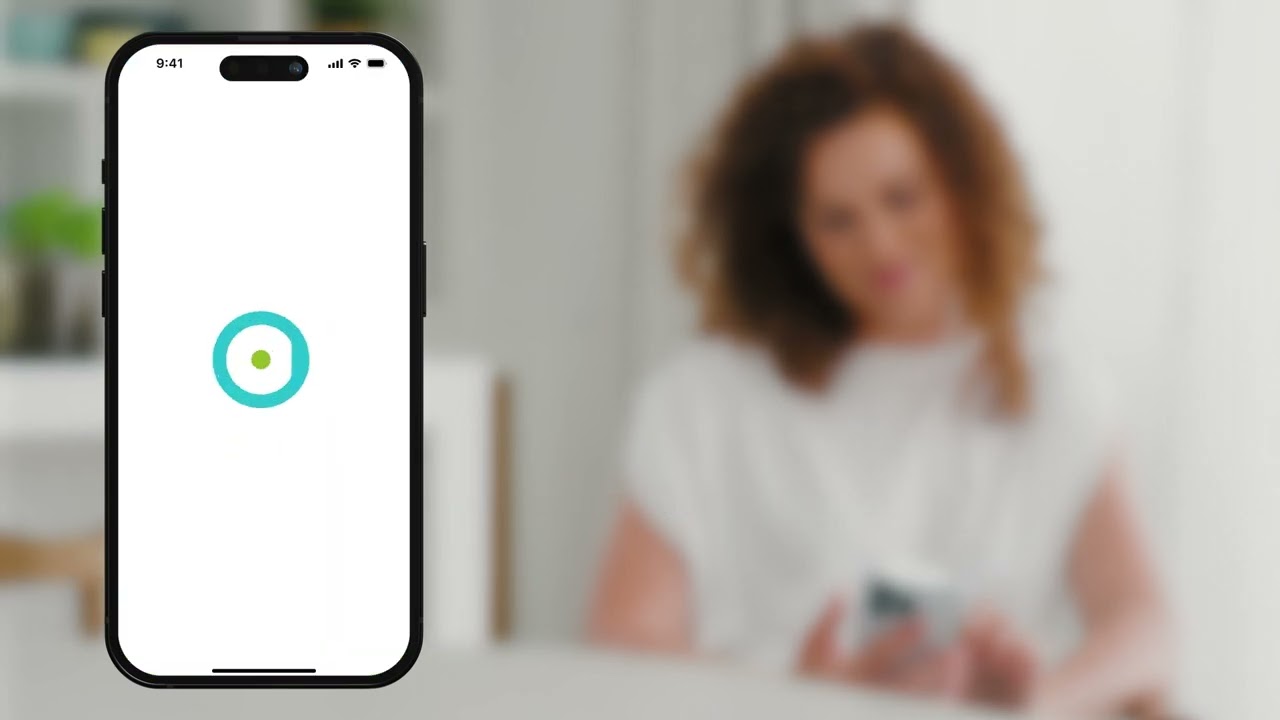
Here’s how to download and set up the SmartGuide app
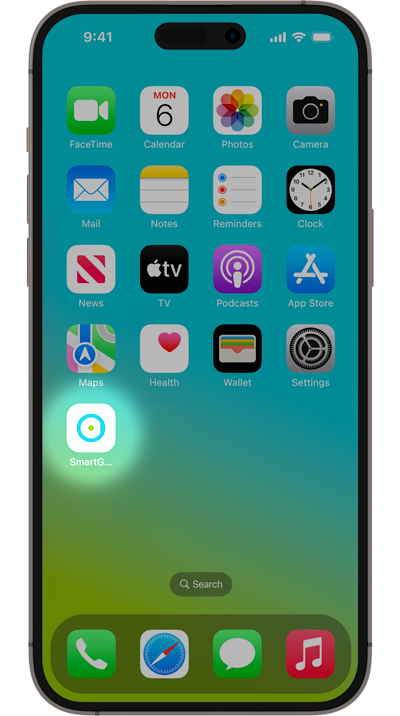
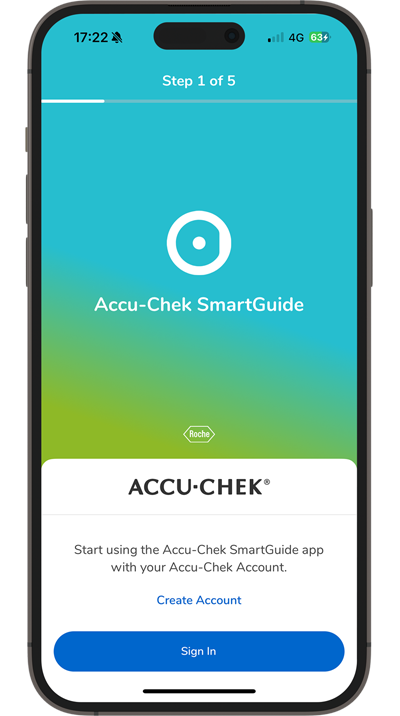
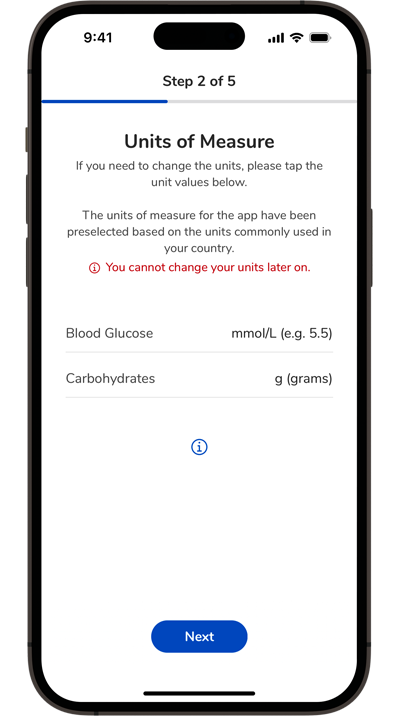
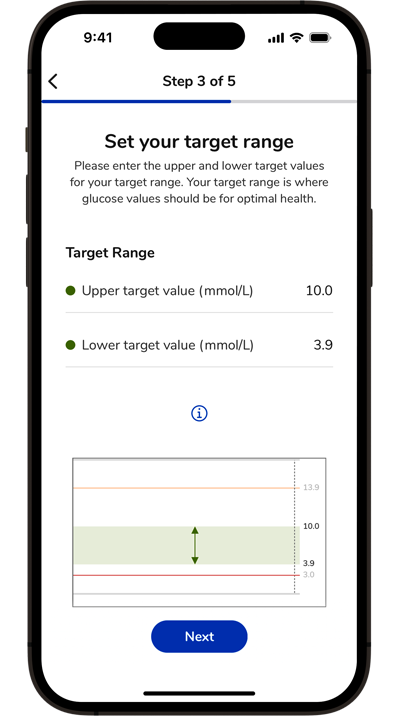
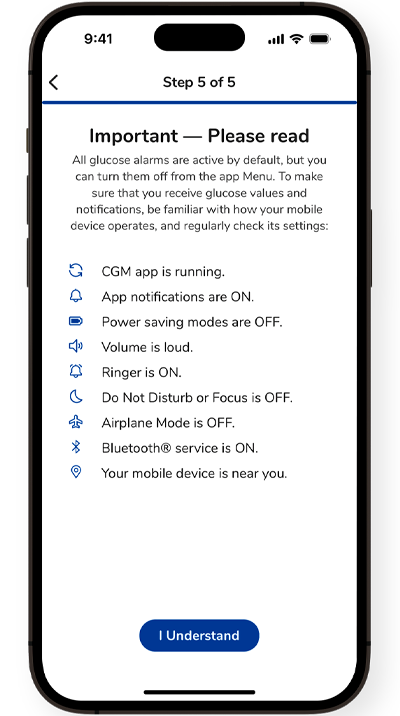

Explore the Accu-Chek SmartGuide app overview for more details about its features.
Next up, learn how to apply your SmartGuide CGM sensor.
How helpful did you find this training?
Continue Training
Next step

Accu-Chek Newsletter
Stay informed about diabetes
Get diabetes management tips and news delivered right to your inbox.
Get in touch
Give us a call
Mon-Fri from 9:00 am to 5:30 pm
Hotline: 2485 7512